

Easy language
Finding your way around the website:
How to use our site
Here we explain to you:
What information you will find on our website.
And we'll show you:
Where and how to find this information.
Pictures will help you with that.
You can see red frames in the pictures.
The red frames indicate important areas.
We will explain these areas to you step by step here.
1. Homepage
The start page is the first page.
You will find important information there.
For example:
- Breaking News
- Important topics
- Administrative notices
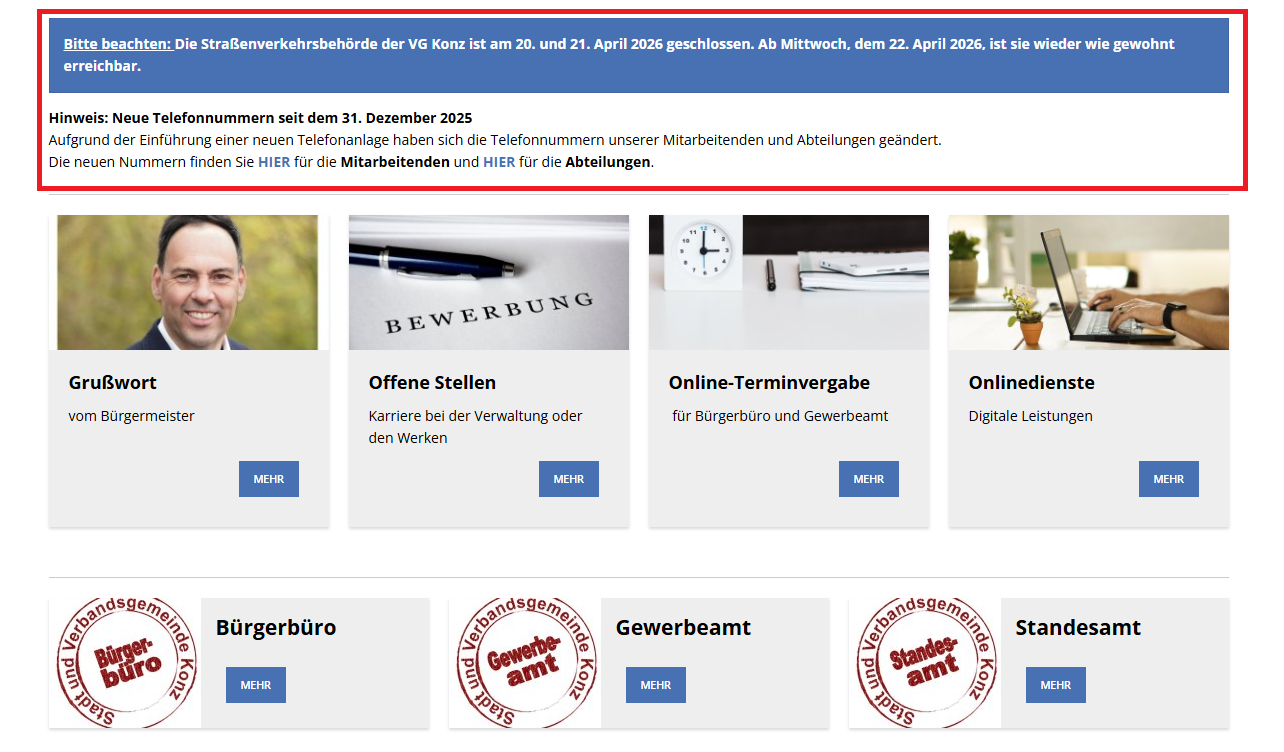
You can get everywhere from the start page.
2. The menu
At the top of the page you will see a symbol with three lines.

This is called a hamburger meal.
Click on the icon.
Then the navigation opens on the right.
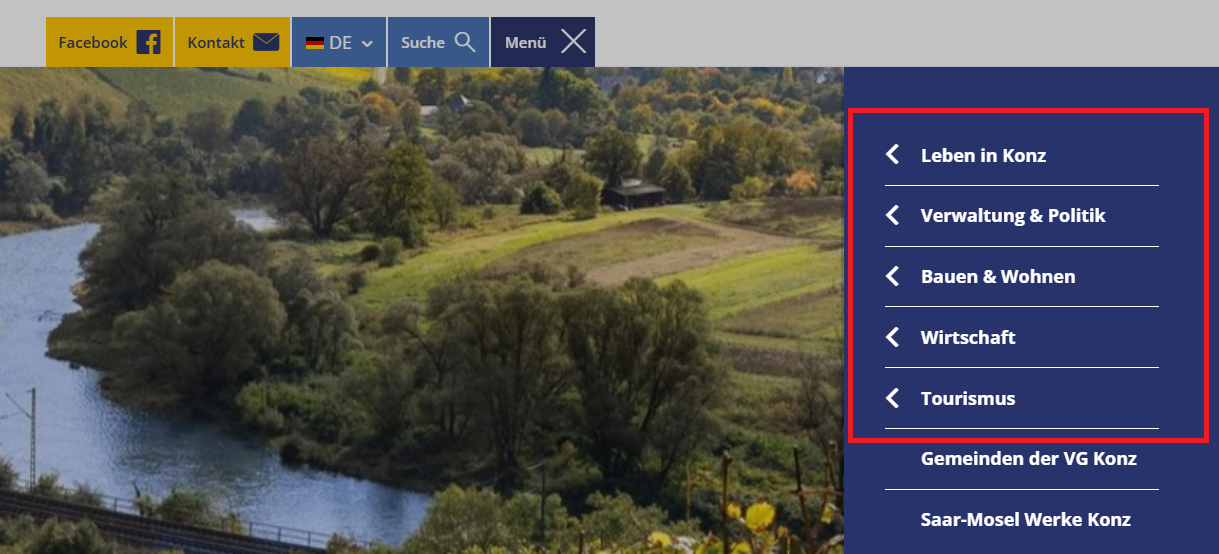
There you will find these areas:
- life in conc
- administration and politics
- Building and Living
- economy
- tourism
Click on an area.
Then you will see more information.
3. The search
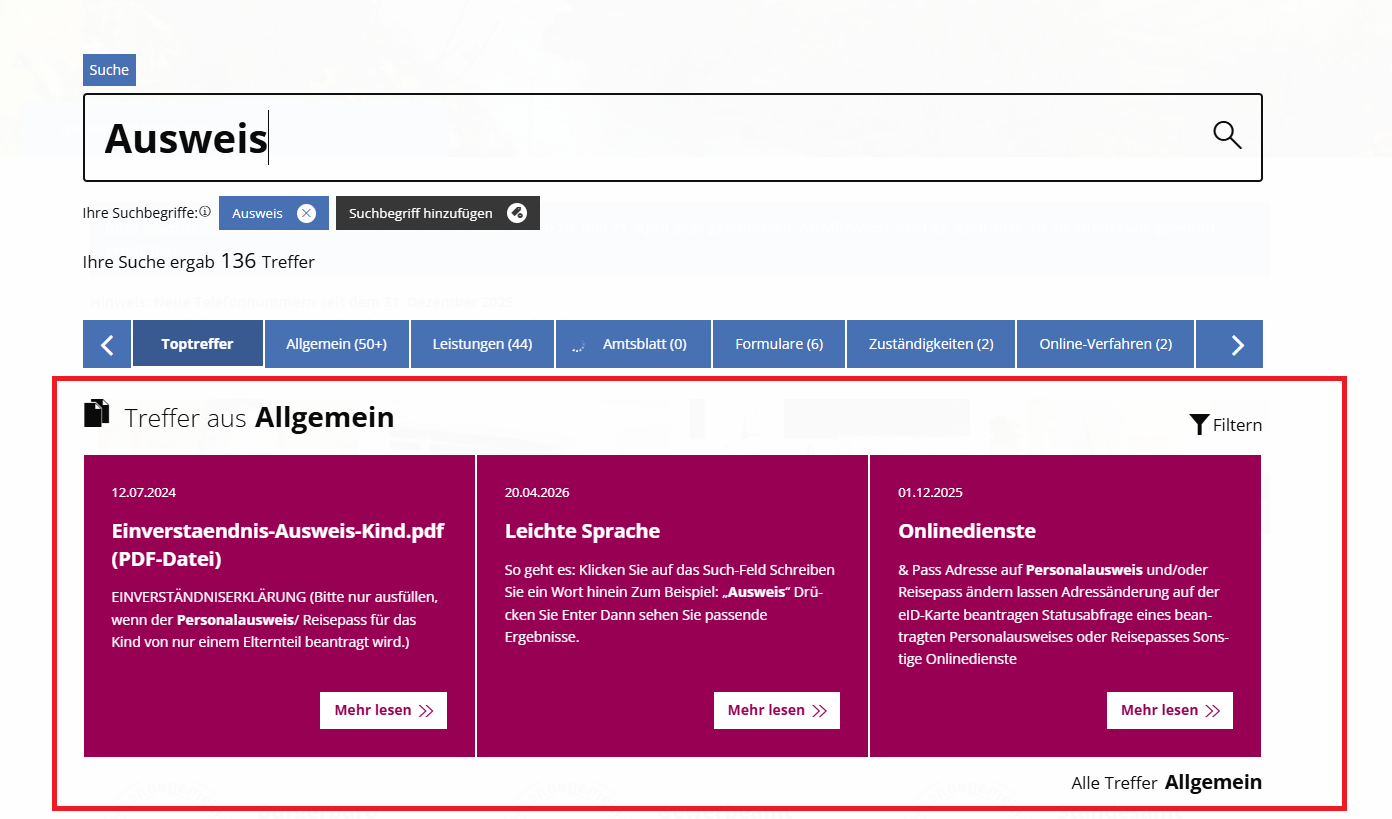
Are you looking for something specific?
Then use the search function.
The search bar is at the top of the page.

Here's how it works:
- Click on the search field.
- Write a word inside
- For example: "ID card"
- Press Enter
Then you will see relevant results.
4. Content on the page
The content is located in the middle of the page:
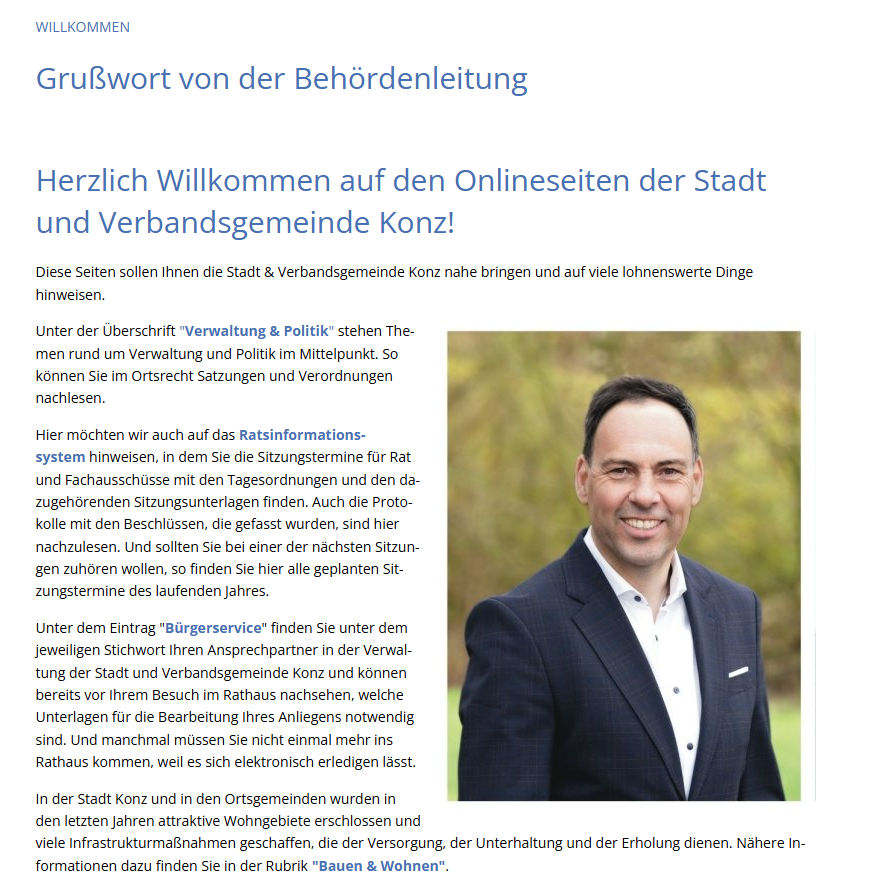
These contents include, for example:
- Texts
- Pictures
- Hints
Take your time to read the information.
5. The lower area
The very bottom is the lower area.
It is also called the foot area.
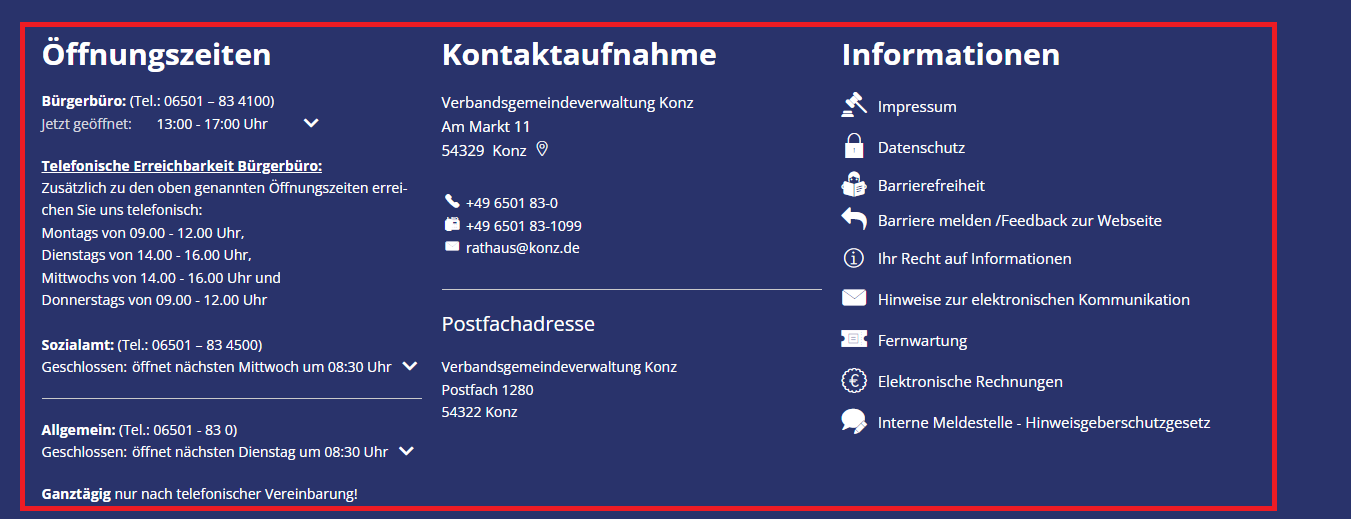
There you will find important links:
- Contact
- imprint
- privacy
6. Links and documents
Links lead to other pages.
They are often colored or underlined.
Click on a link.
Then a new page opens.
Some content is in the form of documents.
For example, as a PDF.
You can:
- download
- save
7. Accessibility
We want to make the website accessible.
That means:
Everyone should be able to use the site effectively.
For example:
- with keyboard
- with screen reader programs
8. Simple language with a helper tool
There is a help function on our website.
This feature is called: Plain Language.
She comes from the company Eye-Able.
This function makes it easier to display text.
Here's how the help works:
- Click on the "Plain Language" icon
- You will find this symbol in the top left corner of every page.
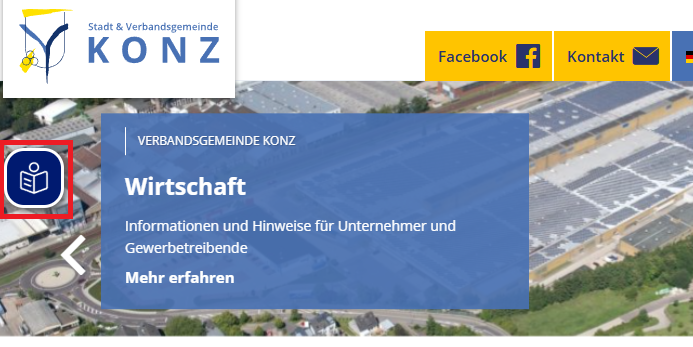
- The text will then automatically become easier to understand.
Important to know:
Plain language is an automatic offering.
That means:
A computer simplifies the texts.
This is not exactly the same as Plain Language.
Plain language is written by people.
And often checked as well.
Our goal
We want to make our website easy to understand.
Therefore, there are:
- Texts in Plain Language
- and the help Simple Language
This will allow more people to understand the content.
9. Help
Are you having problems with the website?
The Konz municipal administration will be happy to assist you.
For example:
- if you can't find something
- if you don't understand something
- if something doesn't work
Then send us an email.
Our email address is: digital@konz.de
We are happy to help you.